Manage your browser.
Free your memory.
Save sessions, suspend idle tabs, organize workspaces, and focus on what matters.
Free, no account needed · Works on Chrome, Edge, Brave & Firefox
 NestarioTabs
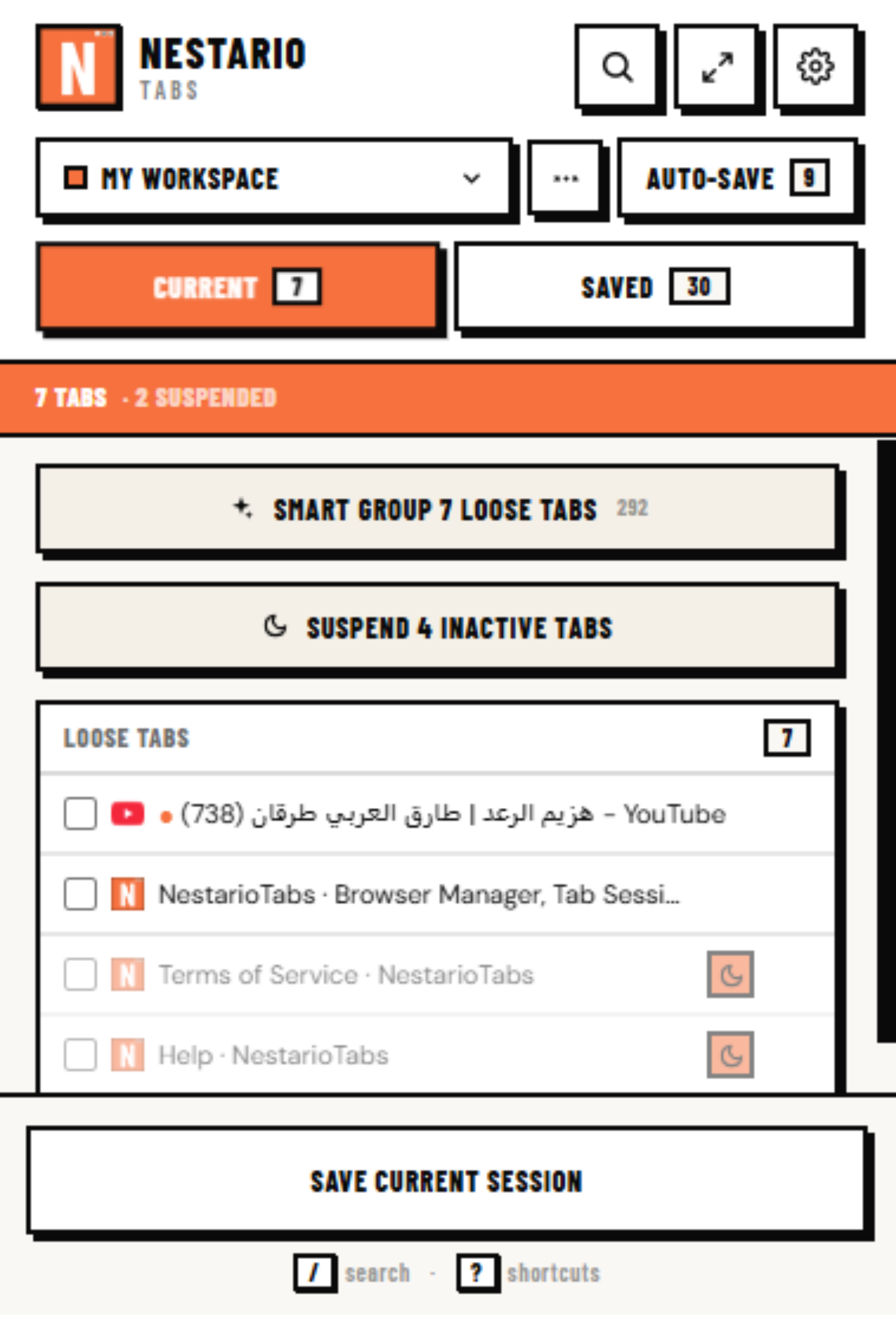
6 tabs· 2 suspended2
Loose tabs 6
Google Docs👆 Click to select
GitHub
arXiv Paper
Hugging Face
Amazon Cart
Figma
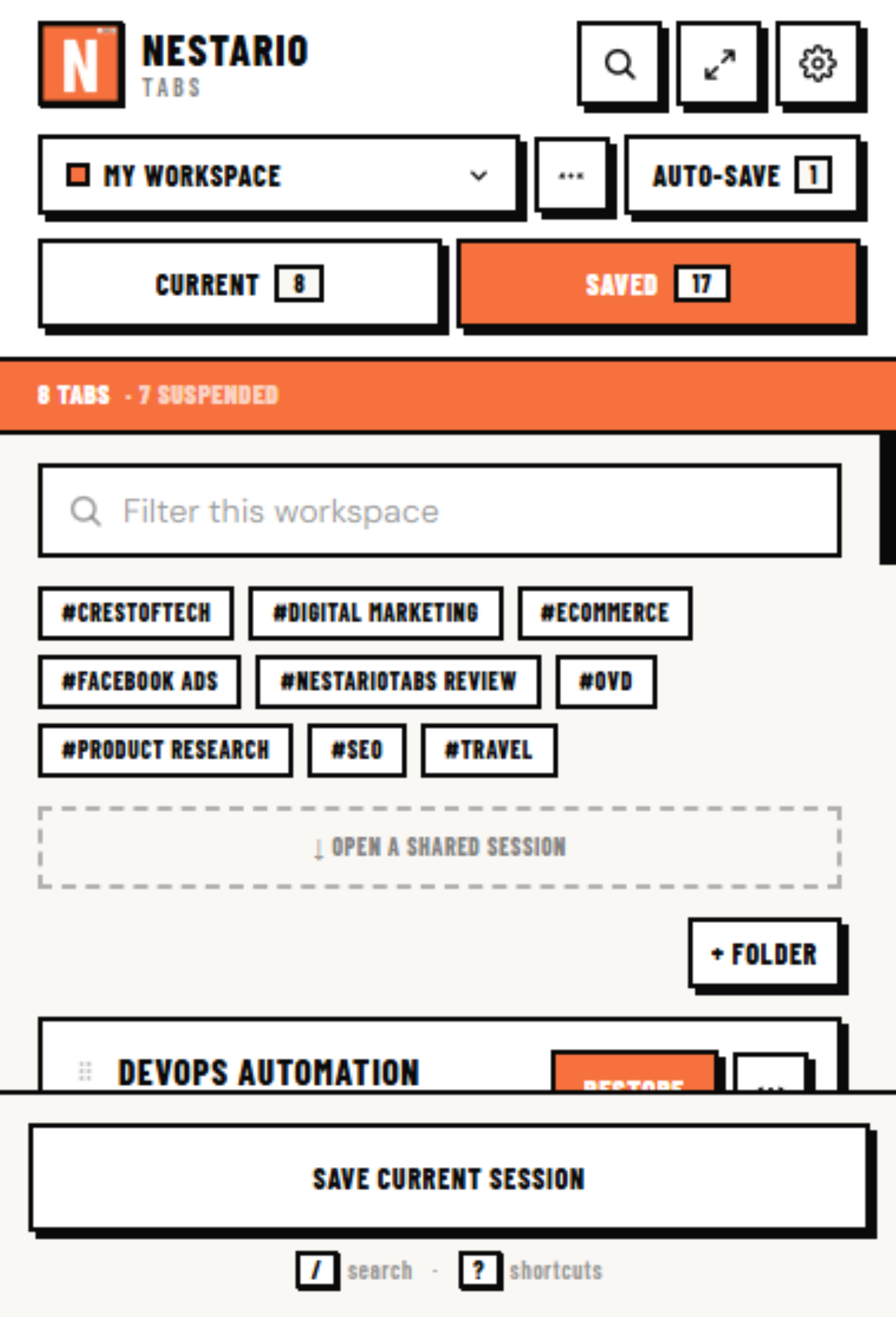
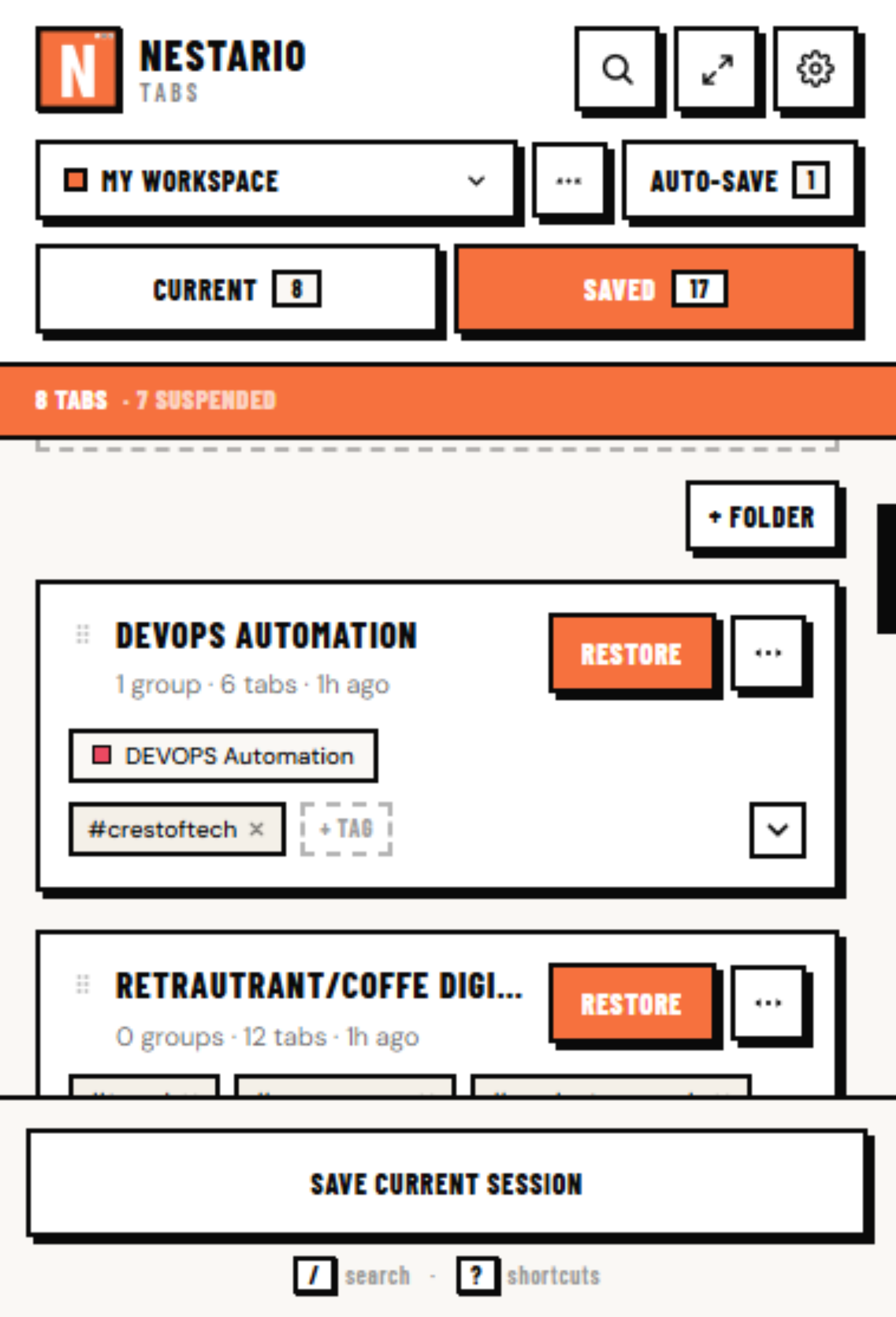
Clients1 session
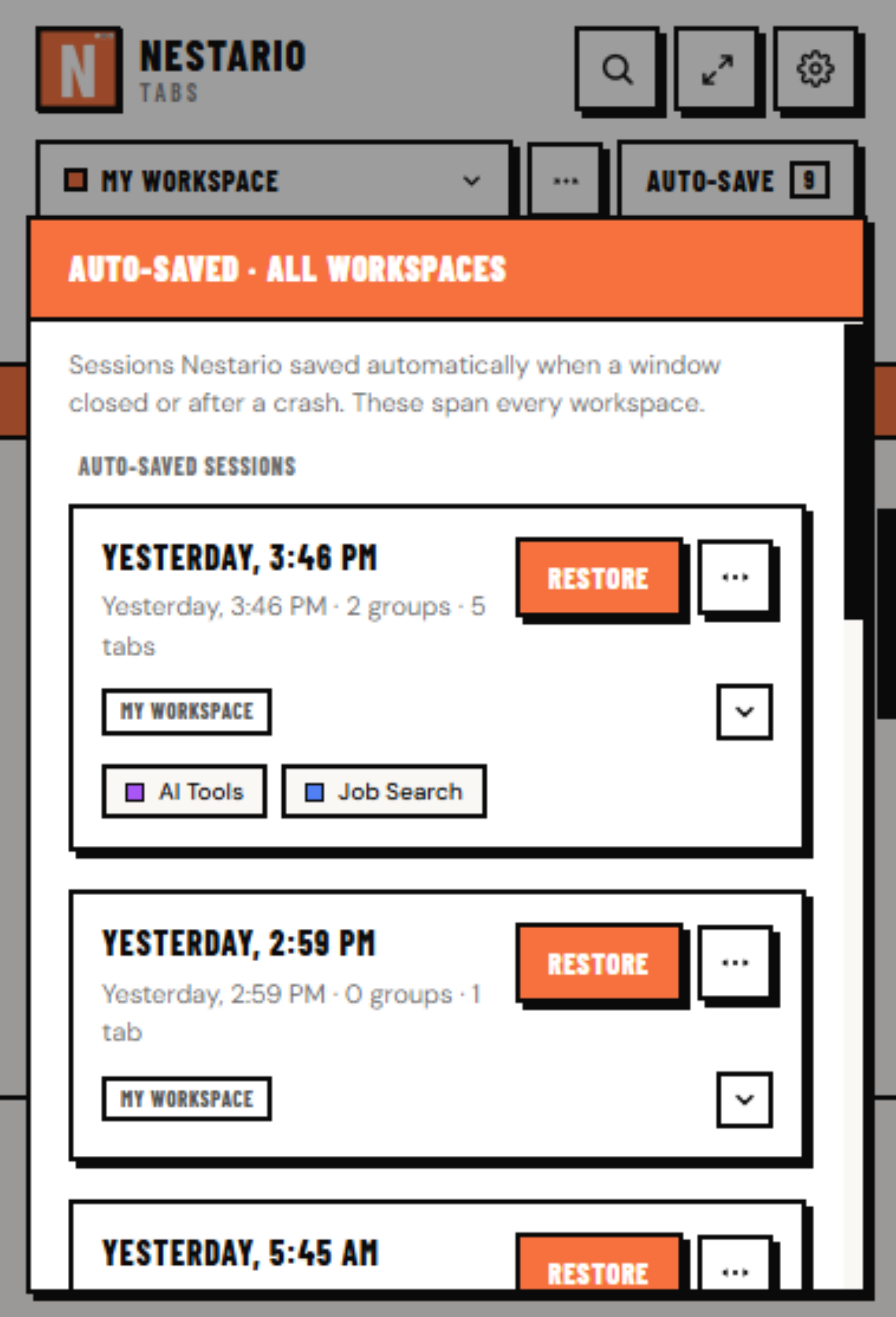
Auto-saved sessions
Today · 15:51
0 groups · 1 tab · show tabs
Morning research
1 group · 3 tabs · show tabs
Recovered sessionRecovered
0 groups · 5 tabs · show tabs
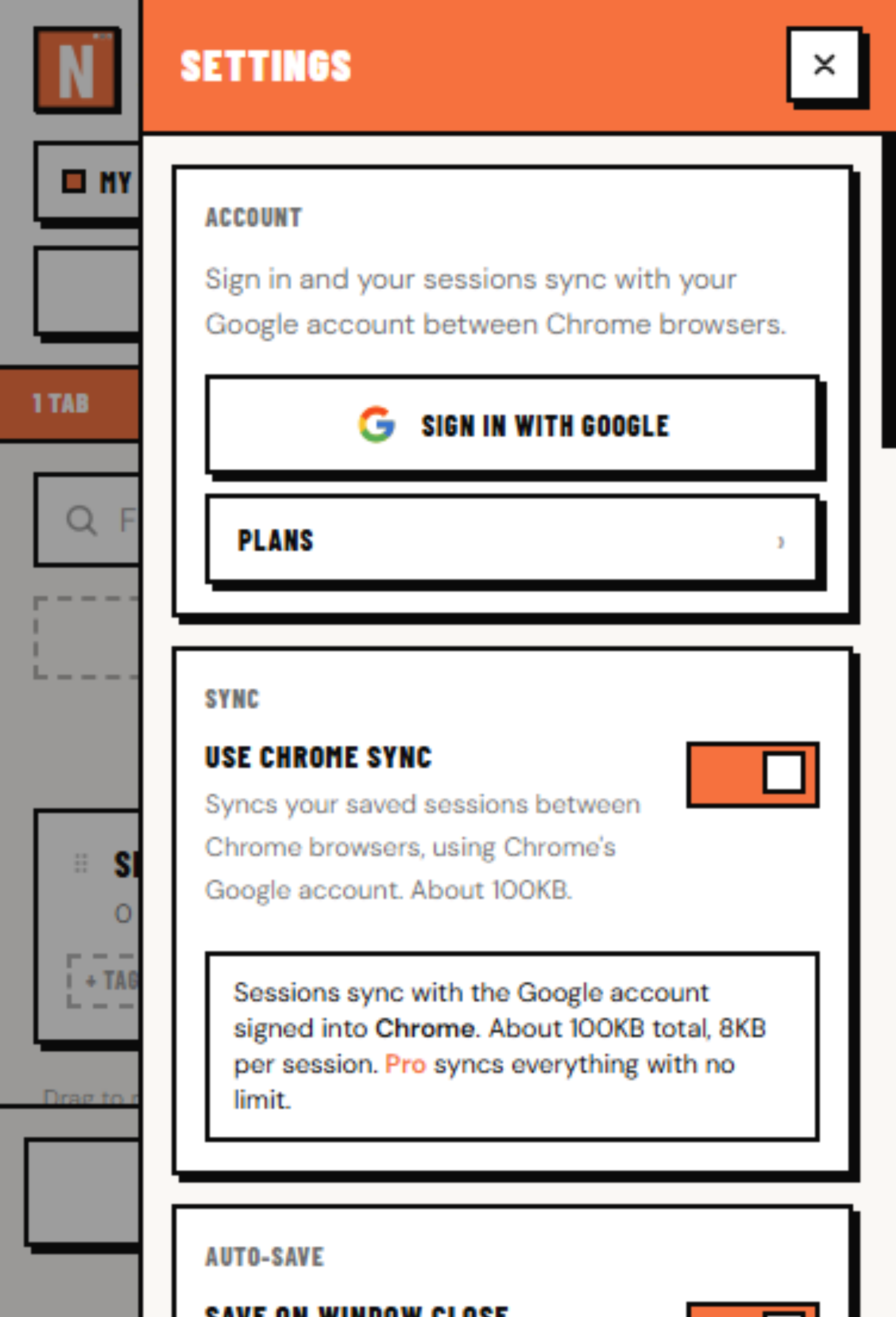
Settings
Account
Sign in to back up your sessions to the cloud and to use Teams. Works on Chrome, Edge, Brave and Firefox.
Sync
Auto-save
Auto-suspend
Suspend tabs left idle this many minutes to free memory. Off = never.
Focus Mode
Import
Bring in a OneTab, Session Buddy or NestarioTabs backup. It merges with what you already have.
Snapshot history
How many auto-saved snapshots to keep before dropping the oldest.
This is NestarioTabs, live. Select tabs and Group them, hover a tab to suspend it, Save the session, or open Settings ⚙.